How to Resolve a Missing Traffic Exchange Promotion Reward
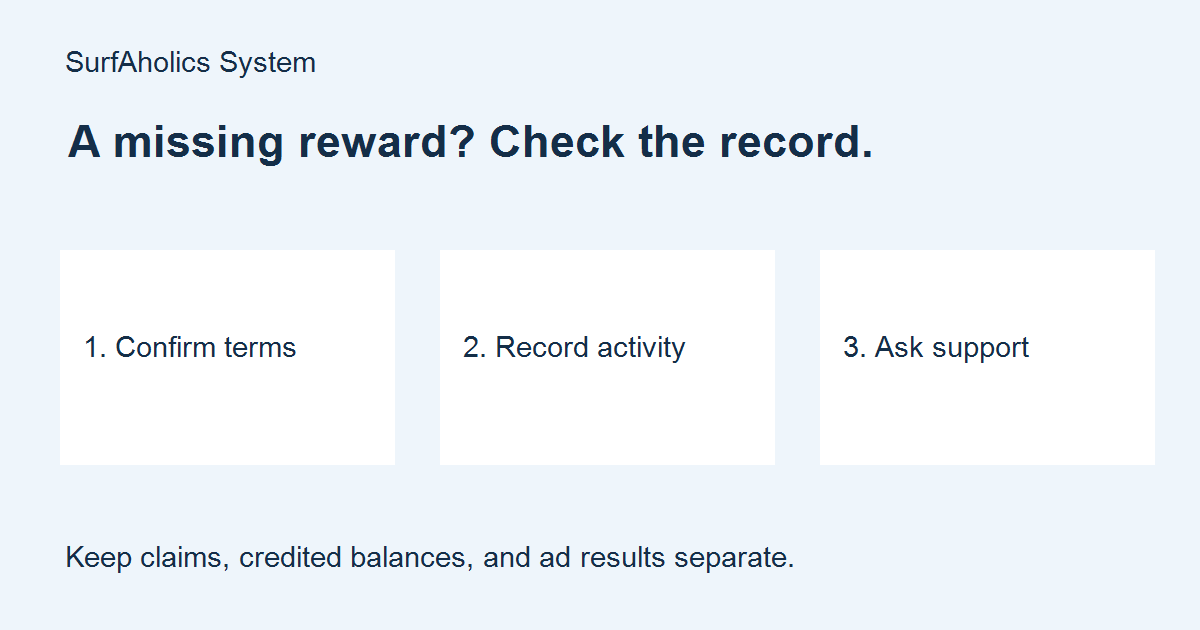
A missing traffic exchange promotion reward is easier to investigate when you can show what you completed and what the offer promised. If you participate in an offer involving SurfAholics TE or Wall Street TE, use the current instructions and support channel on the relevant site. This guide explains a practical way to check a discrepancy without repeating work or assuming that an old promotion is still available.
Separate a missing reward from an unused balance
First identify what is missing. Website credits, banner impressions and text impressions may appear in separate balances. A reward can be credited to an account without being assigned to an advertisement. Check the relevant balance and any available reward history before concluding that nothing arrived. Do not treat a lack of signups as evidence that a promised reward was not credited; advertising results are a separate question.
Reconstruct the qualifying activity
Open the current offer instructions from the site itself. Note the participating exchanges, qualification window, displayed time zone, required activity and any separate claim step. Compare these with the activity your account actually records. A total accumulated over several days may not satisfy an offer limited to one day. If instructions are unavailable or conflict, mark that point unknown and ask support rather than guessing.
Save a short private record: offer name, official page address, date and time, relevant activity total, reward type and amount expected, and the balance or history you checked. Capture a screenshot when helpful, with unrelated personal details hidden. Never send a password, recovery code or full payment information to explain a credit discrepancy.
Check claim steps and processing time
Some offers require a code or an explicit claim after the qualifying activity. Follow only the current site instructions. Check whether a processing period is stated and whether it has elapsed. An archived email announcing an expired code does not establish present eligibility. Avoid submitting the same claim repeatedly while its outcome is unknown.
Send one specific support request
Use the support link inside the relevant exchange. State the offer, your account identifier as requested by that site, the activity you completed, the time and time zone, and the exact difference you see. Ask which requirement or record needs checking. Keep the message factual: “The offer listed 100 website credits; my activity record shows the stated requirement completed, but I cannot find the reward in the website-credit history.” This is an illustrative example, not a current offer or guaranteed entitlement.
Close the record and keep advertising decisions separate
When support responds, record the explanation and any confirmed correction. If the outcome remains unresolved, keep it marked unresolved and follow the site’s stated response guidance. Do not keep surfing solely to repair an unexplained balance. Decide separately whether future participation fits your time and advertising goals.
After a reward is confirmed, assign usable inventory deliberately and measure visitor actions on your own landing page. Credits and impressions do not guarantee leads or sales. The Advertising & Traffic hub offers more help with planning and reviewing campaigns.